Easy connection
Bring distributed participants together in an accessible online meeting space.
Run productive online meetings with video, screen sharing, chat, whiteboards, and collaboration tools built for modern teams.







Give every participant the tools to contribute clearly before the meeting ends.
Bring distributed participants together in an accessible online meeting space.
Use sharing, chat, and visual tools to make discussions easier to follow.
Help teams leave meetings with clearer context and a common direction.
Give hosts and participants practical tools to present, discuss, create, and stay in control without leaving the call.
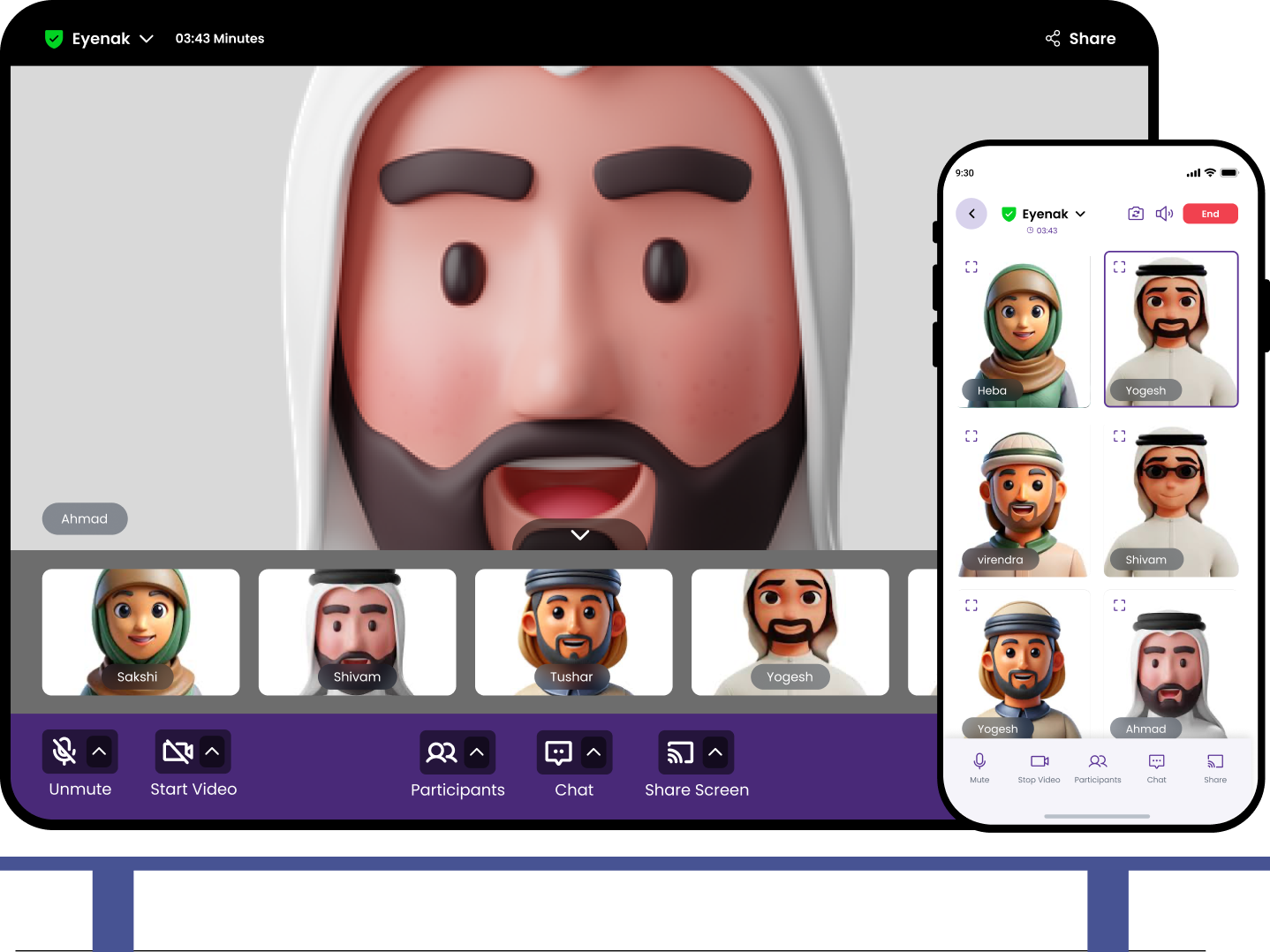
Choose devices, mute, unmute, and switch cameras during the session.
Present applications and documents to everyone in real time.
Send group or direct messages, emojis, and file attachments.
Collaborate visually on a shared canvas while the meeting continues.
Capture spoken discussion with selectable caption languages.
Blur the room or use image, video, and color backgrounds.
Combine reliable communication with the tools teams need to explain, discuss, and decide.
Connect video, audio, participant controls, and messaging so remote teamwork feels easier to coordinate.
Share presentations, documents, and product updates so everyone can review the same information together.
Use a shared whiteboard to brainstorm, explain concepts, and organize thinking during live sessions.
Bring participants together with video and audio communication.
Present documents, applications, and visual work to the group.
Share messages, notes, and links without interrupting speakers.
Brainstorm and explain ideas on a collaborative visual canvas.
Understand attendance and manage an organized session.
Join and collaborate when work takes place away from a desk.
Return to meeting history, recordings, and transcripts instead of depending on memory alone.
Review scheduled and previous meetings from one organized area.
Record important sessions and return to the discussion when context is needed.
Review captured conversation text to recover details and support follow-up.
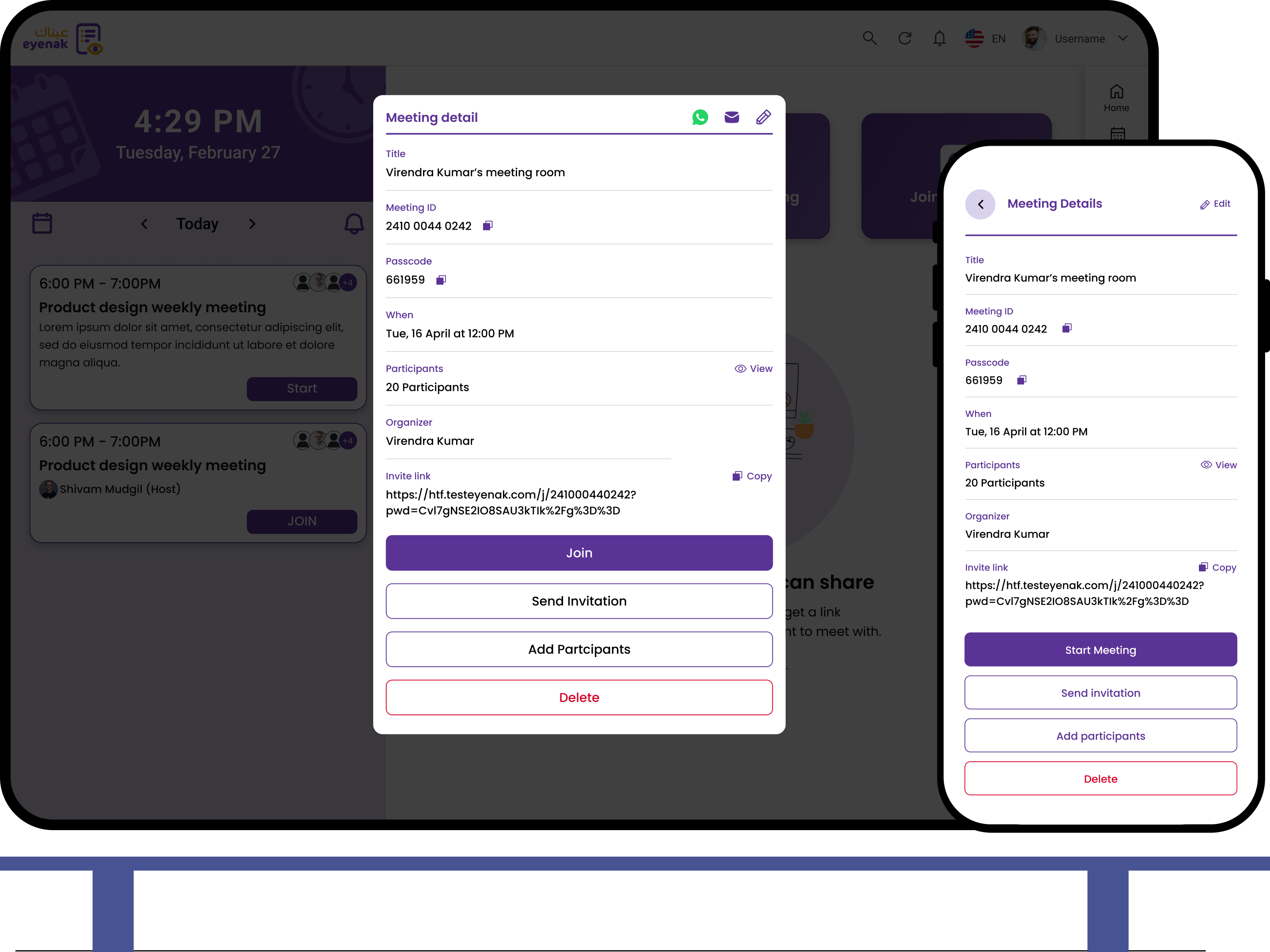
Choose the session details and invite the right participants.
Use video, sharing, chat, and whiteboards to work through the topic.
Leave the session with shared context and clearer next steps.
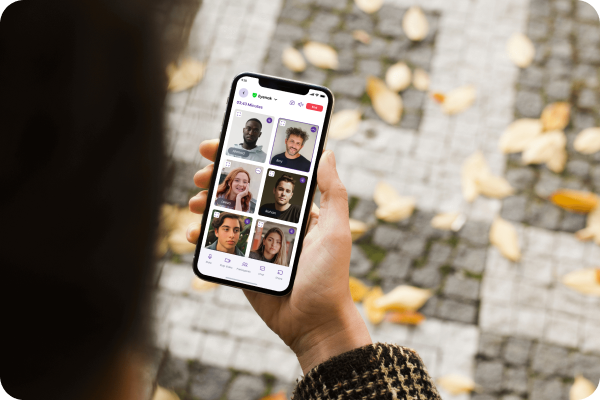
Use the Eyenak Meeting mobile app to join video calls, communicate with participants, and stay connected when you are away from your computer.
Available for Android and iOS

Clear answers to help you choose the right Eyenak solution.
Eyenak Meeting brings together video and audio calls, screen sharing, meeting chat, participant information, and interactive whiteboard tools.
Yes. It is designed to connect participants working from different locations and help them collaborate around the same information.
Eyenak Meeting has mobile app links for Android and iOS so participants can join when they are away from a desktop.
Yes. Eyenak Meeting complements the platform's Project Management, HR, and Finance solutions.
Connect projects, people, finance, and meetings without switching between disconnected systems.
Connect people, ideas, and shared work with Eyenak Meeting.